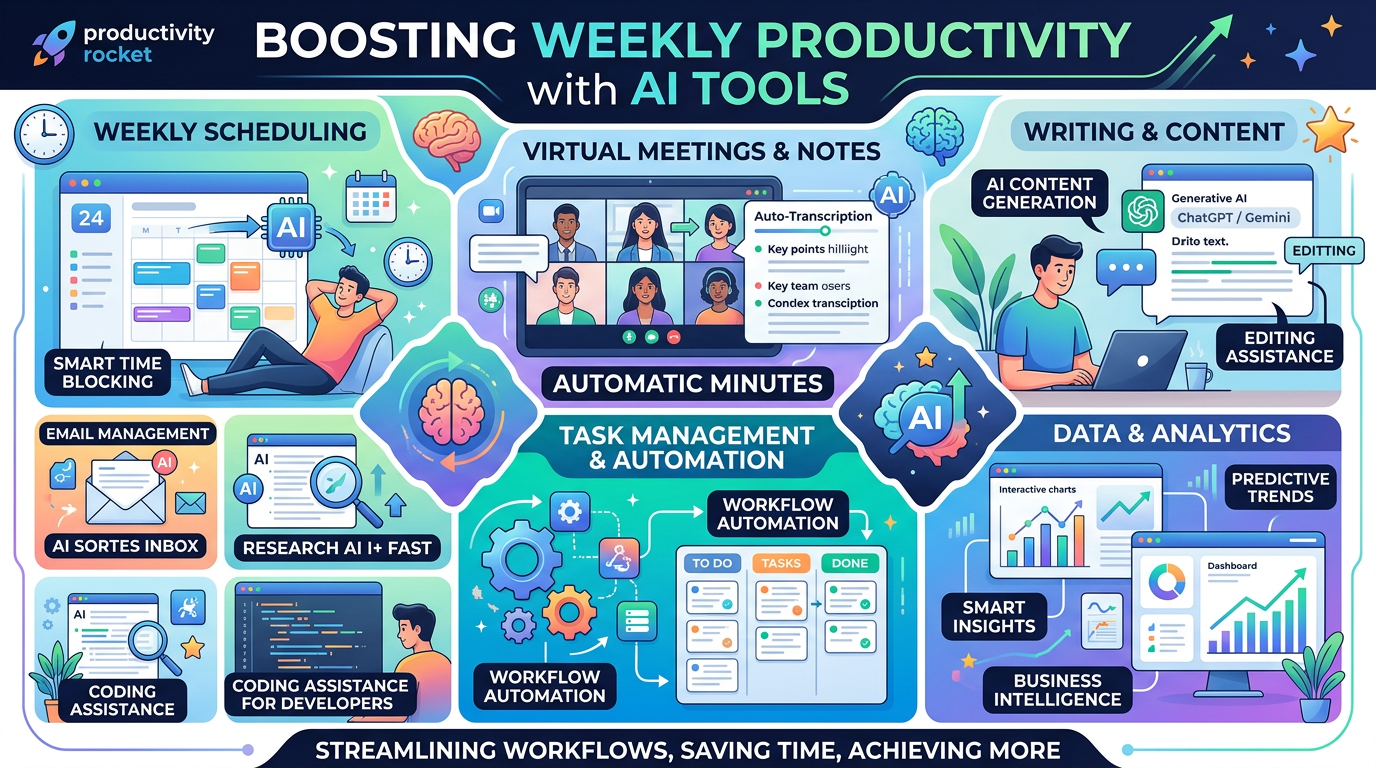

Artificial intelligence is no longer limited to programmers, researchers, or major corporations.
Individuals now use AI to write emails, summarize documents, research unfamiliar subjects, create graphics, translate text, edit videos, organize projects, and automate repetitive work.
The challenge is no longer finding an AI tool. The real challenge is choosing tools that reduce your workload instead of adding more applications, subscriptions, and complicated processes.
Some of the platforms below provide free plans, limited trials, or restricted access, while others offer their most useful features through paid subscriptions. Features, prices, and usage limits may change over time.
Here are 15 AI tools that can help individuals, bloggers, creators, and small-business owners save hours every week.
1. ChatGPT
ChatGPT is a versatile AI assistant for writing, planning, brainstorming, summarizing, research, file analysis, and visual creation.
Common uses include:
- Drafting emails and articles
- Summarizing long documents
- Rewriting complicated text
- Creating marketing ideas
- Planning projects
- Analyzing uploaded files
- Explaining unfamiliar concepts
Its greatest advantage is flexibility. One platform can assist with several stages of a project instead of requiring a separate tool for every task.
Best for: General productivity, writing, research, and planning
2. Claude
Claude is particularly useful for long documents, detailed instructions, structured analysis, and natural-sounding writing.
It can assist with:
- Reviewing reports
- Summarizing research
- Editing long articles
- Comparing documents
- Organizing complex information
- Developing detailed outlines
- Adjusting writing tone
Claude often performs well when users provide extensive context and clear formatting instructions.
Best for: Long documents, editing, analysis, and natural writing
3. Google Gemini
Gemini is a practical choice for people who already use Google products and services.
Depending on the account and available integrations, it can assist with:
- Drafting messages
- Summarizing documents
- Researching topics
- Analyzing files
- Brainstorming ideas
- Planning schedules
- Generating visual concepts
Its connection to the Google ecosystem can make it convenient for users whose work is already stored in Google services.
Best for: Google users, research, documents, and everyday assistance
4. Microsoft Copilot

Microsoft Copilot can assist with web-based questions, summaries, writing, product comparisons, planning, and general research.
It may help users:
- Draft business emails
- Summarize online information
- Generate ideas
- Compare products
- Plan projects
- Rewrite text
- Create visual concepts
It is especially convenient for people who regularly use Windows, Microsoft Edge, or Microsoft productivity products.
Best for: Windows users, web research, and everyday questions
5. Perplexity
Perplexity combines AI-generated explanations with internet search and visible source references.
It is useful for:
- Researching current subjects
- Finding statistics
- Comparing products and services
- Discovering original sources
- Summarizing recent developments
- Exploring unfamiliar industries
- Asking follow-up research questions
Perplexity can reduce the time spent opening and comparing many search results. Important claims should still be checked against primary or official sources.
Best for: Current research, source discovery, and fact-finding
6. NotebookLM
NotebookLM is designed to work primarily with materials selected by the user.
Documents, notes, and other sources can be added to create a focused research workspace.
It can help with:
- Summarizing supplied sources
- Answering questions about documents
- Creating study guides
- Organizing research notes
- Identifying recurring themes
- Reviewing meeting materials
- Preparing outlines
This approach is useful when you want AI assistance based on a defined collection of information rather than a general internet response.
Best for: Studying, document research, and source-based analysis
7. Grammarly
Grammarly helps improve spelling, grammar, clarity, tone, and sentence structure.
It is commonly used for:
- Emails
- Blog articles
- Reports
- Social-media captions
- Customer messages
- Resumes
- Online applications
It works best after a first draft has been written. Instead of checking every sentence manually, users can identify potential mistakes and unclear phrasing more quickly.
Best for: Proofreading, professional communication, and English writing
8. Canva

Canva helps people create visual content without advanced graphic-design experience.
It can be used for:
- Blog graphics
- Social-media posts
- Presentations
- YouTube thumbnails
- Posters
- Short videos
- Product advertisements
AI-assisted design features can speed up image creation, background editing, text layout, and content resizing.
For bloggers and small-business owners, Canva may reduce the time spent adjusting fonts, dimensions, layouts, and visual elements manually.
Best for: Blog graphics, social media, presentations, and thumbnails
9. Adobe Express
Adobe Express provides templates and simplified tools for producing visual and promotional content.
Users can create:
- Social-media graphics
- Flyers
- Short videos
- Presentations
- Advertisements
- Website images
- Promotional materials
It is useful for people who want fast, polished designs without learning more complicated professional software.
Best for: Promotional graphics, branded content, and simple video projects
10. CapCut
CapCut is widely used for editing short-form videos for YouTube Shorts, TikTok, Instagram Reels, and similar platforms.
Its assisted features may include:
- Automatic captions
- Text-to-speech
- Background removal
- Video resizing
- Templates
- Noise reduction
- Script-based editing
Automatic captioning alone can save significant time compared with manually typing and timing every subtitle.
Some tools, templates, and exporting options may depend on the user’s subscription or region.
Best for: Short-form videos, captions, and social-media editing
11. DeepL
DeepL helps users translate text and documents between languages.
It may be used to:
- Translate emails
- Understand foreign-language websites
- Translate product descriptions
- Review multilingual documents
- Prepare international messages
- Improve translated wording
AI translation is valuable for everyday communication, but legal, medical, financial, and official documents should be reviewed by a qualified professional.
Best for: Translation and multilingual communication
12. Otter.ai

Otter.ai is designed to record, transcribe, and organize spoken conversations.
It can assist with:
- Meeting notes
- Interview transcripts
- Lecture summaries
- Voice recordings
- Action-item tracking
- Searching previous conversations
Instead of writing continuously during a meeting, users can focus on the discussion and review the transcript afterward.
Automatic transcription can misinterpret names, numbers, accents, or speech recorded in noisy environments. Important information should always be checked.
Best for: Meetings, interviews, lectures, and voice notes
13. Notion AI
Notion combines documents, notes, projects, tasks, and databases in one workspace.
Its AI functions can assist with:
- Summarizing notes
- Creating project plans
- Generating task lists
- Rewriting documents
- Organizing meeting information
- Locating information in a workspace
It is most useful when a person or team already stores its working materials inside Notion.
Best for: Project management, notes, and team documentation
14. Gamma
Gamma can turn an outline or idea into a visual presentation, document, or web-style page.
It may be used to create:
- Business presentations
- Sales proposals
- Educational materials
- Project summaries
- Marketing documents
- Visual reports
It is helpful when a presentable first draft is needed quickly and designing every slide manually would take too much time.
Generated content should still be reviewed for factual accuracy, design consistency, and appropriate images.
Best for: Presentations, reports, and visual documents
15. Zapier
Zapier connects online applications and automates repetitive tasks.
Possible workflows include:
- Saving email attachments
- Moving form responses into spreadsheets
- Sending automatic notifications
- Creating tasks from messages
- Transferring customer information
- Organizing incoming content
- Generating summaries
A blogger, for example, might connect a form, spreadsheet, AI assistant, and publishing platform to reduce repetitive copying and pasting.
Automation requires initial setup, but it can save substantial time when the same task is repeated every day or week.
Best for: Workflow automation and connecting online services
How to Choose the Right AI Tools

Using all 15 tools at the same time will probably make your workflow more complicated.
Begin by identifying one task that repeatedly consumes your time.
Writing and brainstorming
Start with ChatGPT, Claude, Gemini, or Microsoft Copilot.
Research
Use Perplexity for broader web research or NotebookLM for a defined group of sources.
Proofreading
Use Grammarly after completing a draft.
Graphic design
Try Canva or Adobe Express.
Short-form video
Use CapCut for editing, captions, resizing, and simple effects.
Translation
Use DeepL for everyday multilingual work.
Meetings
Use Otter.ai to create searchable transcripts and summaries.
Organization
Use Notion when documents, tasks, and projects need to remain in one workspace.
Presentations
Use Gamma to produce a visual first draft.
Repetitive workflows
Use Zapier when information needs to move automatically between applications.
Choose one tool and use it consistently for one week. Measure whether it actually reduces your workload before adding another platform.
Important AI Privacy Rules
Do not upload sensitive information simply because an AI tool makes the process convenient.
Avoid sharing:
- Passwords
- Banking details
- Private medical records
- Confidential business information
- Customer information
- Government identification numbers
- Documents you do not have permission to disclose
AI-generated content can also contain errors.
Verify important:
- Financial figures
- Legal information
- Medical information
- Product specifications
- Dates and deadlines
- Direct quotations
- Prices
- News and statistics
AI can accelerate your work, but the final review remains your responsibility.
A Simple Weekly AI Workflow

A useful AI workflow does not need to be complicated.
Here is one example for a blogger or content creator:
Monday: Research the topic with Perplexity or another research platform.
Tuesday: Create an outline using ChatGPT, Claude, or Gemini.
Wednesday: Write the first draft and review it with Grammarly.
Thursday: Create the article images and social graphics with Canva.
Friday: Prepare social posts and automate repetitive tasks with Zapier.
This approach allows each tool to handle a specific part of the process instead of expecting one platform to perform every task perfectly.
Free Tools Versus Paid Plans
Free access is useful for testing whether a platform fits your workflow. However, free plans often include lower usage limits, slower access, restricted models, fewer export options, or limited AI features.
A paid plan may be worthwhile when:
- You use the tool almost every day
- Usage limits interrupt your work
- The tool directly supports paid projects
- It replaces several other subscriptions
- It consistently saves more time than it costs
Do not subscribe simply because a tool is popular. Pay only when it has a clear role in your workflow.
Final Thoughts
The best AI tool is not always the newest, most powerful, or most expensive platform.
It is the tool that reliably removes a repetitive task from your week.
A writing assistant may reduce the time required to answer emails. A transcription tool may eliminate an hour of meeting notes. A design platform may help you create a blog graphic in minutes instead of spending an entire afternoon.
Start with one problem and one tool.
When you find a workflow that saves time consistently, keep it simple and repeat it.
Features, pricing, free access, and usage limits can change. Check each platform’s current plan before depending on a particular feature for important work.


Leave a Reply